25 November 2026
The AI reads your slides and agenda
Every stage now has a Context tab. Add your slides, the agenda, the run of show or a speaker list, as a file, a link (Google Slides, Google Drive, a PDF or a web page) or pasted text. A stage holds up to 10 sources.
The AI reads them before the talk, writes a short note about the talk and suggests the names, brands and jargon it found. Tick the ones to keep and add them to your word list. Only the word list, the speaker names and the note are used live, so nothing changes until you confirm it.
- PowerPoint, Keynote, PDF, Google Slides, Word, Excel, text and images
- Speaker names: list them on the Setup tab, separated by commas, and captions spell them right
20 new languages, 58 in all
Captions now come in 58 languages, with an AI voice in 51 of them. You still choose up to 6 for each stage.
New this month: Cantonese, Nepali, Sinhala, Telugu, Marathi, Gujarati, Kannada, Malayalam, Punjabi, Mongolian, Kazakh, Uzbek, Bulgarian, Croatian, Serbian, Slovak, Catalan, Lithuanian, Latvian and Estonian.
If a speaker switches to a language the stage doesn’t list, guests now still get a translation instead of the original words.
Slides with subtitles
Open Present from the stage (or the Big screen tab) on the presenter’s laptop, share the slides window and put it full screen on the projector. Live subtitles appear under or on top of the slides. It works with Keynote, PowerPoint, Google Slides or a PDF, with no extra software.
Summaries you approve
When a session ends, the AI writes the summary as a draft. Read it, edit it in each language, and press Send when it’s ready. Guests who asked for it get it by email.
Archive and start fresh
Between talks, archive the current transcript, its translations and its summary to Past sessions. Every screen and phone starts blank for the next speaker.
Smaller changes
- Hours instead of credits: buy 1 to 8 hour packs or any number from 9 to 100 hours. See pricing.
- Guests can download every slide deck you share, not just one.
- Transcript downloads show Bangkok time.
- The big screen fits short and very wide displays, two lines at a time.
- A new A4 QR poster shows the app on three phone screens.
- Clearer microphone help in the console when the browser blocks the mic.
- Search and filter your events, and find Help in the account menu.
November highlights
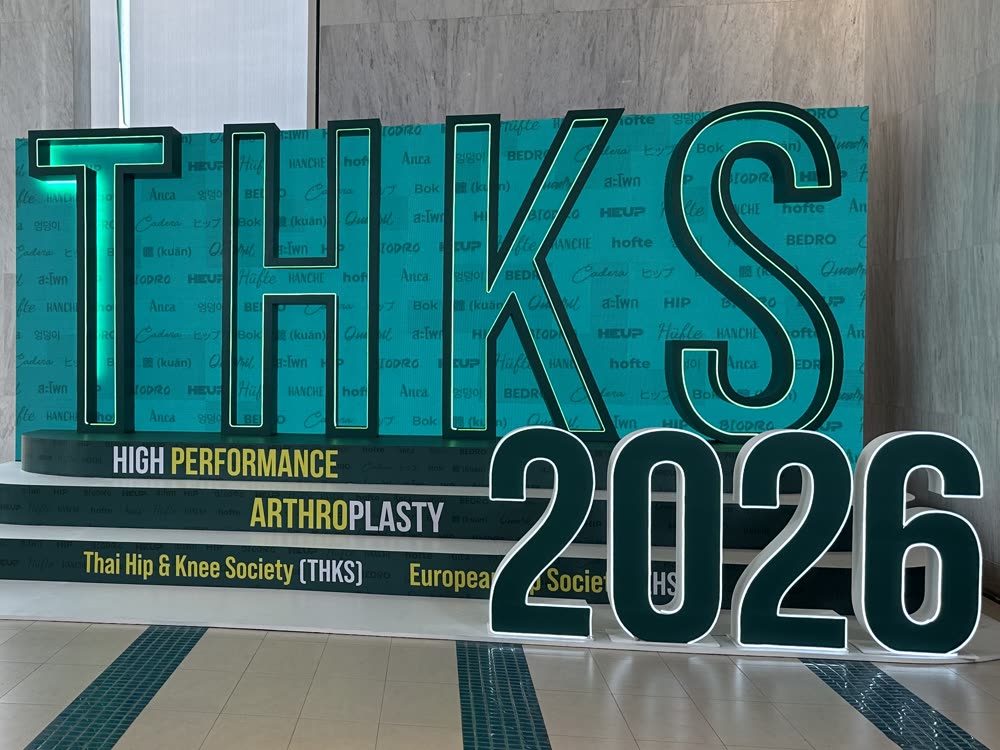
THKS 2026
The 28th Annual Meeting of the Thai Hip and Knee Society. Our engineer worked with the AV team, and every talk was captioned live on the main screen, under the speaker’s slides.

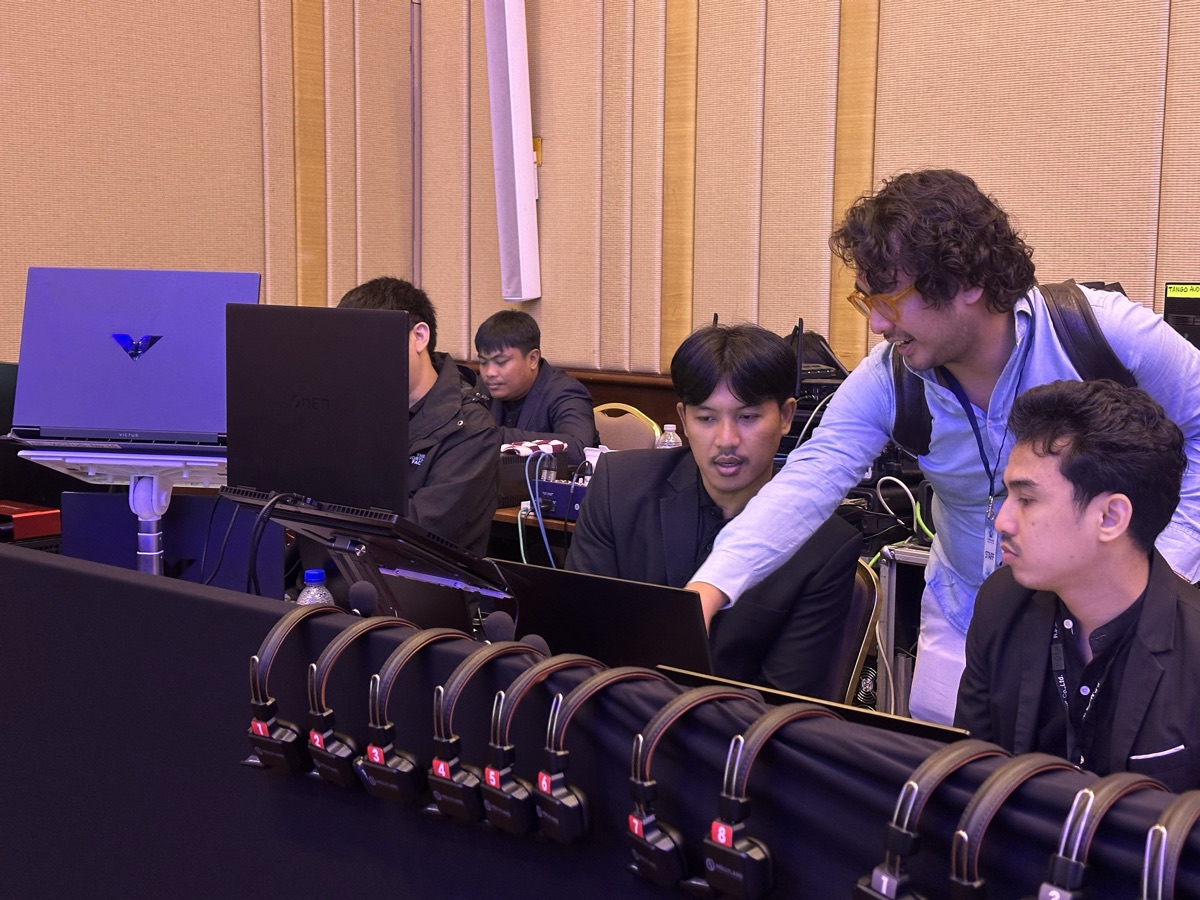
Adman 2026
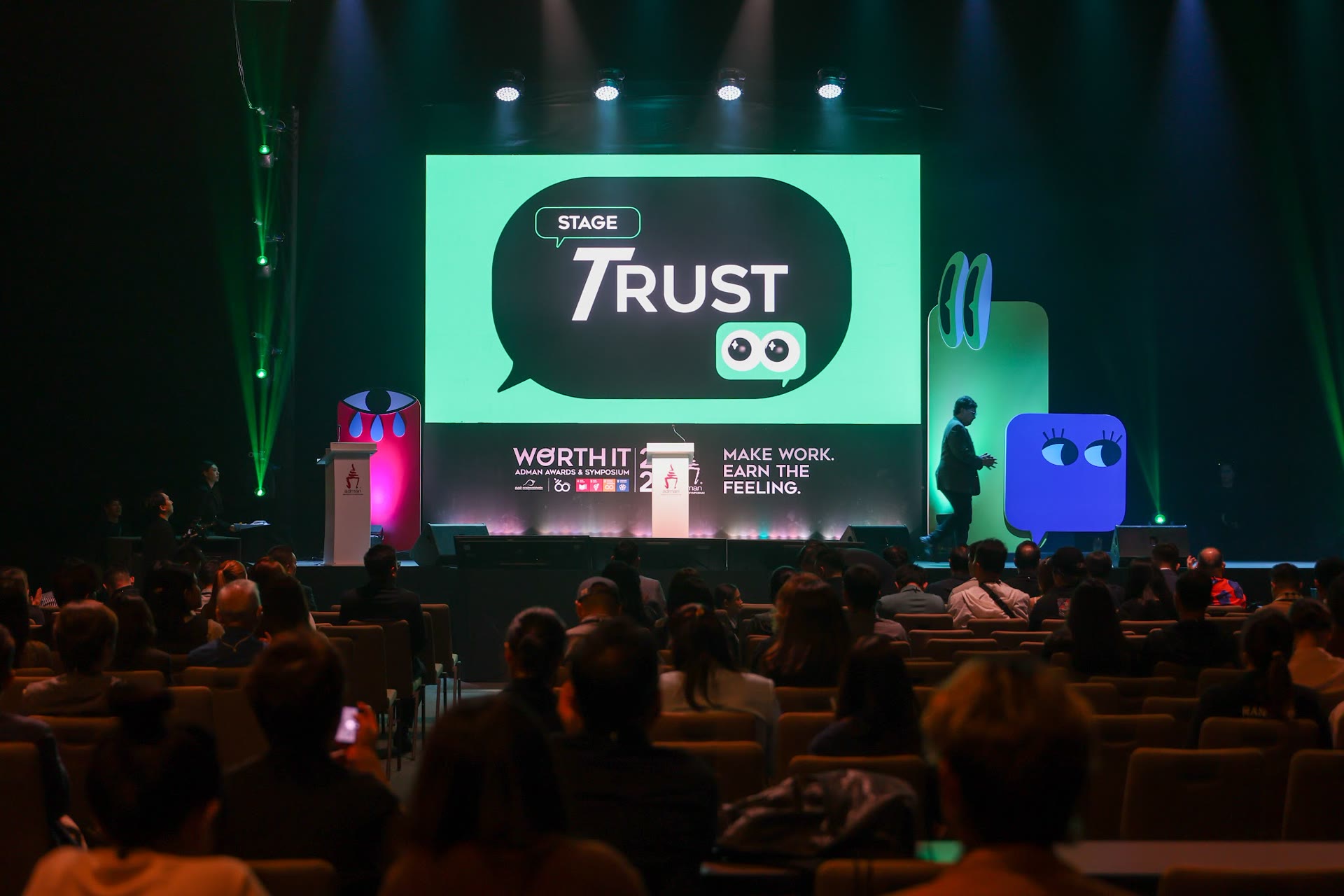
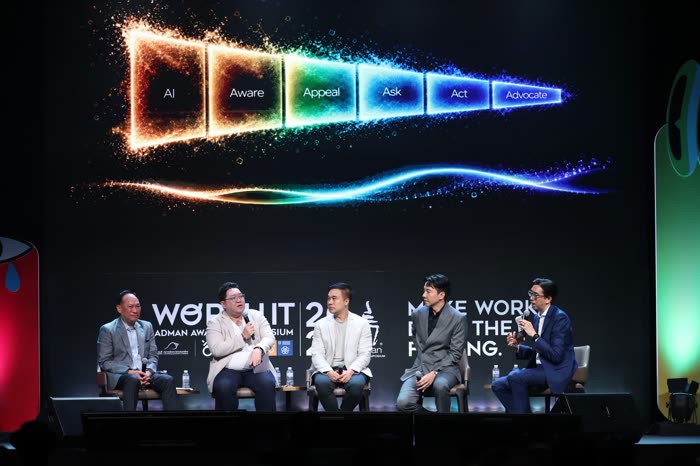
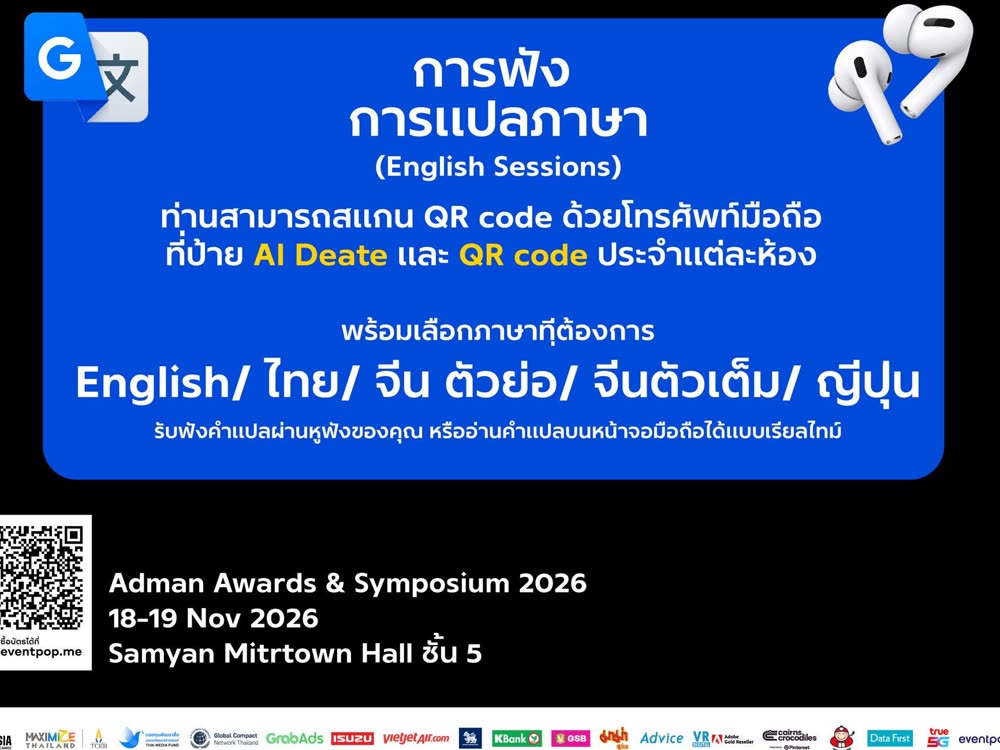
Adman Awards & Symposium 2026, Bangkok. Guests scanned the AI-Deate QR code in each room and followed along on their own phones in English, Thai, Chinese and Japanese.